
PHOTO → VIDEOOne photo. A new scene. Your own creative twist.Make yours

TrendClip AI Make my video

TREND-INSPIRED TEMPLATE · BULIN 47

Bulin 47 AI Video Generator

Make a Bulin 47 AI video from one photo. Pick a red-lit lobby scene and create a short, vertical clip — no account needed.

Start with your photo

  • 9:16
  • 5 s
  • MP4
  1. Your photo

  2. Choose your scene

    Optional

  3. Make it yours

    No account needed · 5-second vertical video

  • Use your own photo or one you have permission to use. No public figures or under-18s.
  • Your photo is sent to the video provider to make your clip.
Your selected photo
Your photo
Illustrated red-lit hotel lobby with a staircase and warm lightingSCENE ILLUSTRATION9:16 · 5 s · MP4
A little inspiration. Your own result.
  • 1photo in. No filming or video upload.
  • 5svertical MP4, ready for your next post.
  • 0prompts to write. Pick a preset scene.

What is the Bulin 47 AI video trend?

The Bulin 47 reference is a red-lit lobby performance aesthetic. This independent tool lets you explore that atmosphere with an original scene generated from your photo and a written description. It does not use the artist’s footage or original recording.

FROM PHOTO TO POST

How to make a Bulin 47 AI video

Three simple steps. No app to install. No account to create.

  1. Upload one photo

    A clear, well-lit photo of yourself or your pet. JPG, PNG or WebP.

  2. Choose the atmosphere

    Pick your scene. Add a color, an outfit or a small detail if you like.

  3. Download and make it yours

    Generate your clip, save the MP4 and add your own audio before posting.

A whole new atmosphere. One starting photo.

Red light, an architectural staircase and a cinematic mood. The scene is written for you, leaving room for your own creative touch.

  • Original scenes generated from your photo
  • Preset prompts with optional personal details
  • Vertical framing for short-form videos
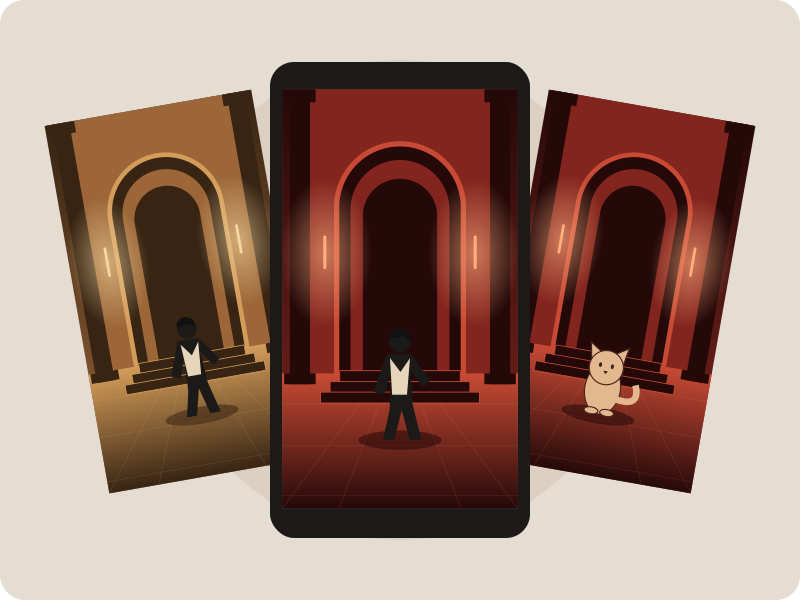
Three illustrated perspectives of a red lobby scene

Your clip. Your soundtrack. Your next post.

Download a cleanly framed, silent MP4 and finish it in the app you already use. Add permitted music, captions or your own voice to make it yours.

  • 5-second, 9:16 video output
  • Download and sharing controls built in
  • Keep your AI-generated label when posting
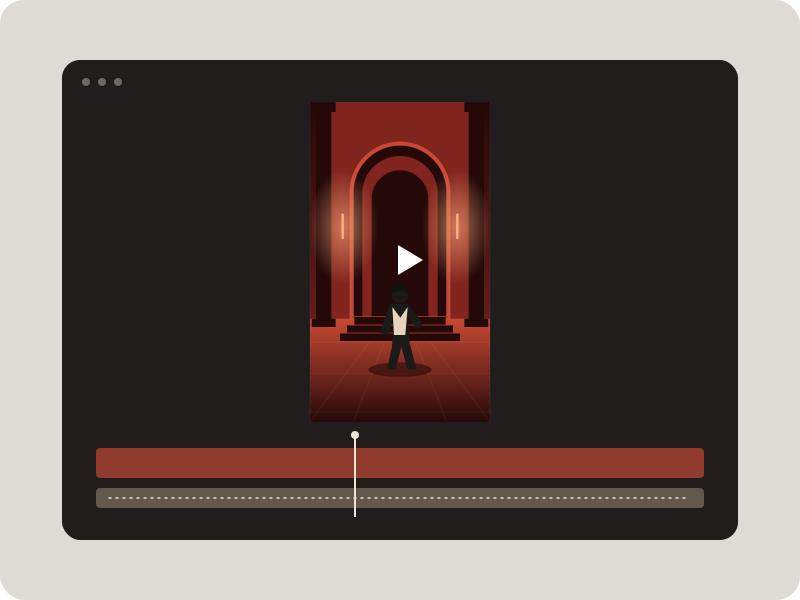
Illustrated vertical video and audio editing timeline

Three ways to make it yours.

Same simple workflow. A different kind of energy. Illustrations show each scene’s mood.

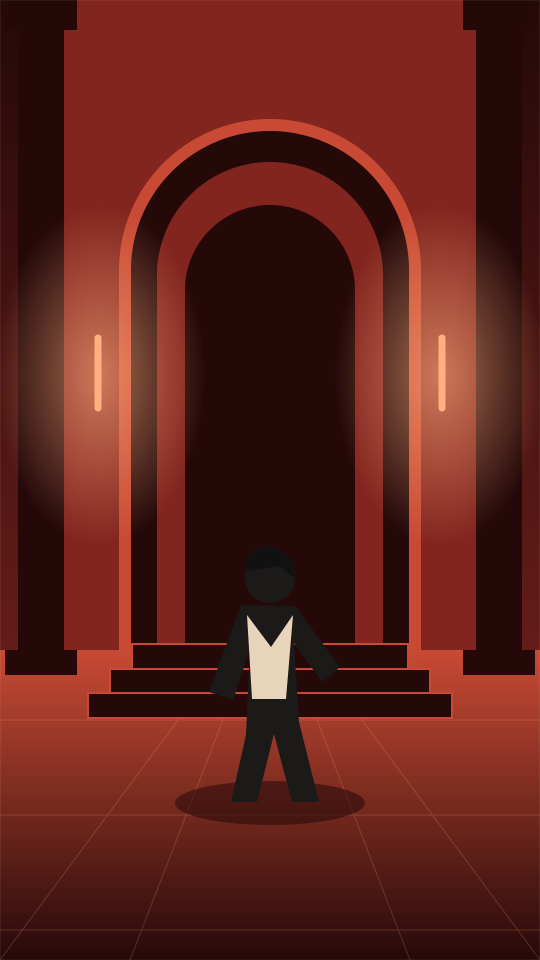
Red lobby scene illustration
THE SIGNATURE SCENE

Red lobby

Warm red light and a cinematic entrance.

Scene details

Create a new short vertical video from the supplied photo. Keep the adult subject's own appearance and clothing. Place the subject in an original, softly lit red hotel lobby with a geometric staircase, warm lamps and a polished floor. The subject makes a small relaxed hand gesture and smiles. A gentle handheld camera move, natural motion and cinematic red lighting. Do not depict or imitate a named performer. No text or logos. Vertical 9:16.
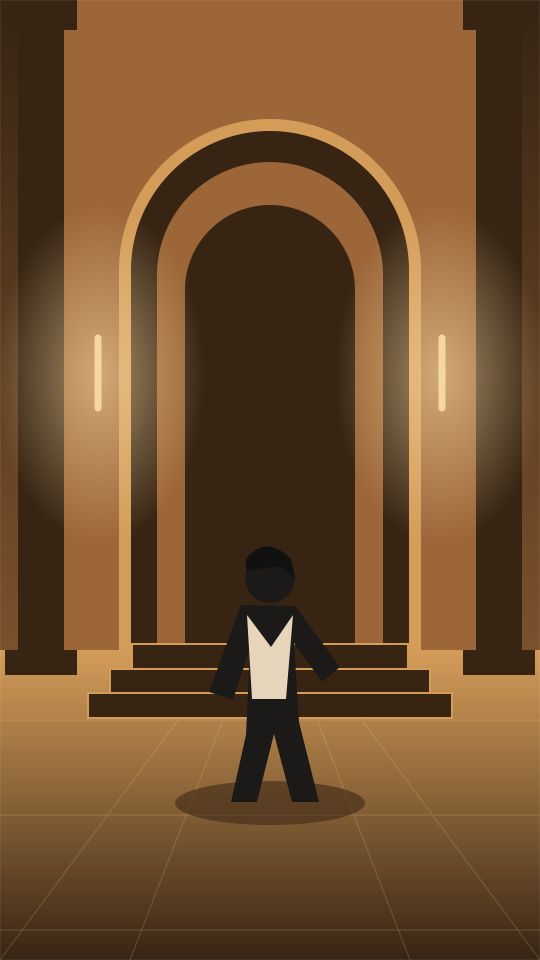
Amber lobby scene illustration

Golden glow

Amber lights. A softer, slower moment.

Scene details

Create an original vertical video from the supplied photo, retaining the adult subject's appearance and clothing. An elegant empty lobby glows with amber lamps and soft evening light. The subject looks toward the camera, smiles and makes a small friendly wave. Slow camera push-in, subtle natural movement and warm cinematic color. No named performer, text or logos. Vertical 9:16.

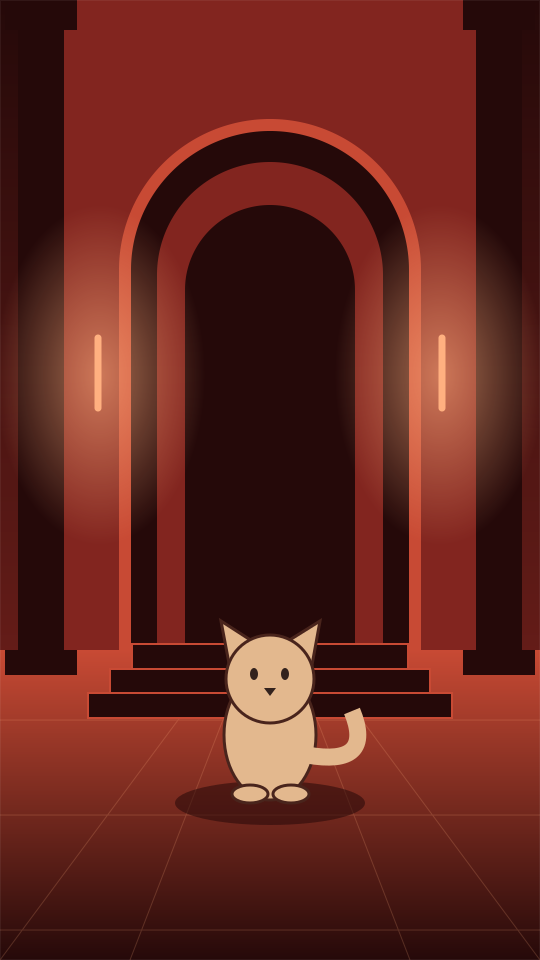
Illustration of a fictional cat in a red lobby

Pet cameo

A little paw. A lot of personality.

Scene details

Create an original short vertical video of the pet in the supplied photo, keeping its own markings and appearance. The pet sits in a red-lit lobby with a carpet and warm lamps. It tilts its head, looks at the camera and lifts one paw. Playful, gentle motion, a slow camera push-in, no humans, text or logos. Vertical 9:16.

A good photo makes the difference

  • Use soft, even light and a clear view of the subject.
  • For a person scene, use one adult with their face visible.
  • For a pet scene, upload just your cat or dog.
  • Keep the photo below 10 MB. JPG, PNG and WebP work.

Photo rules

  • Upload yourself or someone who has explicitly agreed.
  • No public figures, celebrities, politicians or people under 18.
  • Do not use generated videos to mislead or harass anyone.
  • Disclose that your clip is AI-generated when you share it.

Bulin 47 AI video FAQ

How does this Bulin 47 AI video generator work?

Upload one permitted photo and choose a preset scene. The image-to-video model creates a new 5-second vertical clip from that photo and a text description. You can download the result as an MP4.

Do I need an account?

No. You can use the generator without creating an account. Your recent video links are saved only in this browser.

Is the Bulin 47 AI video generator free?

The current version runs in free mode. No payment is collected by this page. Availability depends on the video service.

What prompt should I use?

The scene prompt is already included. Choose Red lobby, Golden glow or Pet cameo, then optionally add a short detail about colors, lighting or clothing. Open Scene details on a card to read the prompt.

Does it include the original song or sound?

No. The current model configuration creates a silent video. Add audio you are allowed to use in your editing or social app before posting.

Can I use someone else’s photo?

Only with that person’s explicit permission. Public figures, celebrities, politicians and anyone under 18 are not allowed. For a pet scene, use a photo of your own pet or one you have permission to use.

Will my video match the illustration exactly?

No. The illustrations are scene guides, not generated samples. Each output is newly generated, so framing, details and motion vary. Original artist footage is not used.

What happens to my uploaded photo?

Your photo is sent to seeapi.com to generate the clip. We do not keep a server-side copy. The provider has its own retention policy; we do not promise automatic deletion after 24 hours. The 24-hour period applies only to the recent-video list in your browser.

What happens if generation fails?

The page shows an error and a retry option. Check your photo and connection, then try again. This version does not collect payments.

Which model makes the video?

The generator is configured to use Seedance 2 through seeapi.com, with a photo and text description as input. The current settings are 5 seconds, 9:16, 480p and no generated audio.

Your next clip starts with one photo.

Choose a scene. Add your own touch. Make something worth sharing.

Upload my photoExplore scene ideas

About this tool

TrendClip AI is an independent photo-to-video tool. This page is not affiliated with or endorsed by Bulin 47, any artist, their team or record label. All generated videos should be identified as AI-generated.

Generated with Seedance 2 via seeapi.com · Current output: 5 s / 9:16 / 480p / silent